In the classroom
Digital tools help teachers explain difficult ideas with visuals, examples and practice.


Academics
Technology is a tool, and we use it where it helps a child learn or helps a parent stay informed. In class it supports good teaching. At home it keeps families close to what is happening at school.
Every campus is connected to parents through the Knowledge parent app, automatic attendance alerts and an online portal.
Digital tools help teachers explain difficult ideas with visuals, examples and practice.
School updates and notices reach parents on their phone, without waiting for a note in the school bag.
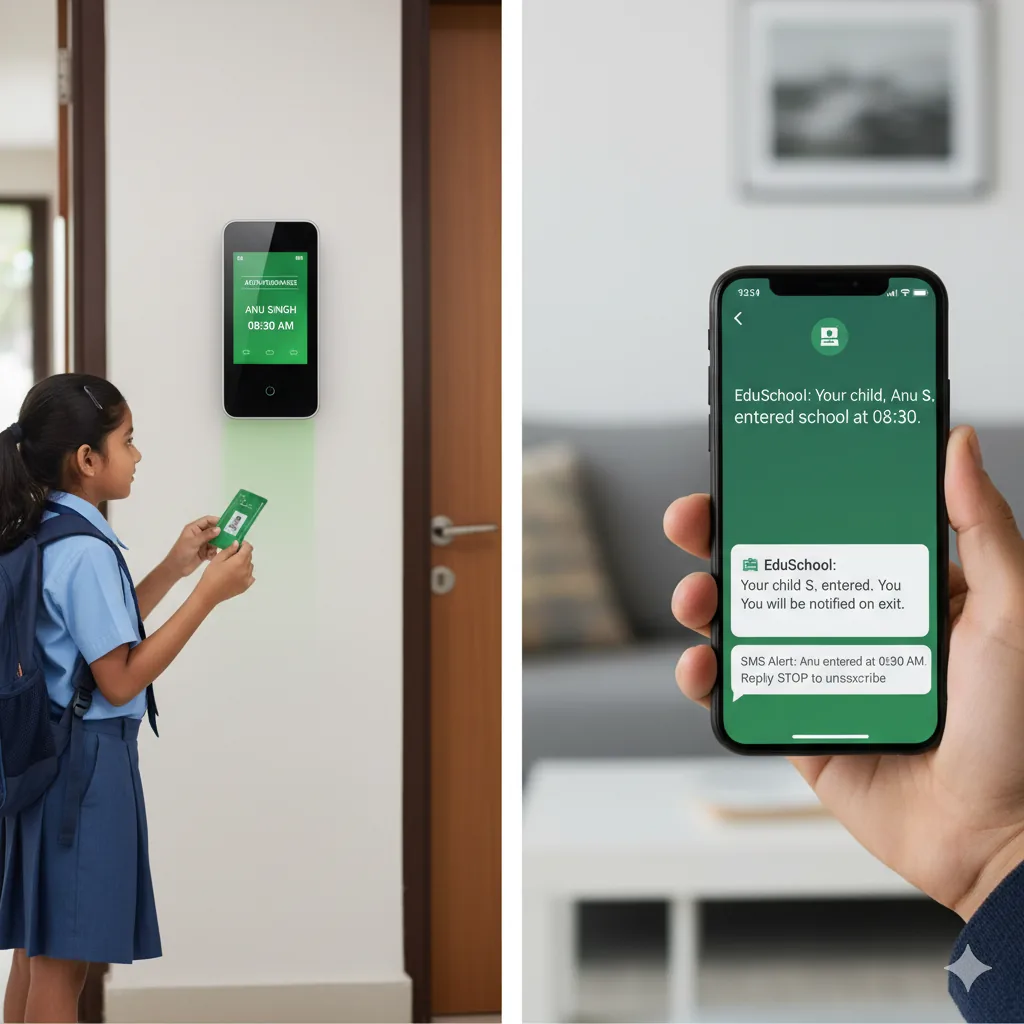
Attendance is recorded automatically, with entry and exit alerts sent to parents.
Four steps for new parents.
The school office shares your login for the parent portal when your child joins.
Sign in from the Parents menu, using the Parent / ERP Login link.
See your child’s attendance, and receive entry and exit alerts.
View fees, results and school notices in one place.
SMS or app notifications when your child enters or leaves the campus.
Fee details and payment status in one place.
Marks and progress reports available to parents.
Digital habits matter as much as digital tools.
What is available on each campus.
Tell the school office and we will update your details.